How to Turn an Idea Into a Finished Song: A Simple Starter Workflow
Most creators have plenty of ideas. What stops them is not knowing what to do with an idea once they have it. This guide walks you through a simple, repeatable workflow to turn any idea into a finished, shareable song without getting stuck in the process.
Quick Answer
To turn a musical idea into a finished song, follow five stages without stopping to perfect any one of them: capture the idea, build a basic structure, record your voice or instrument, master the sound, and release it. Most beginners never finish songs because they try to perfect each stage before moving to the next. The fix is to keep moving forward. Done is better than perfect, especially on your first few tracks.
Key Takeaways
- Most creators get stuck because they have no clear workflow, not because they lack ideas or talent
- A simple five-stage process removes the guesswork and keeps creative momentum going
- You do not need expensive equipment or advanced software knowledge to finish a song
- Yamaha Creator Pass Starter ($9.99/mo) gives you the tools to move through the first three stages of this workflow
- Finishing your first song, even an imperfect one, is the most important creative milestone you can hit
1\. Why Most Ideas Never Become Songs
Almost every creator has a folder full of unfinished ideas. A loop that felt exciting for two hours. A voice memo that never became a real track. A beat that almost became something.
The problem is rarely a lack of creativity. It's a lack of a clear path forward.
One creator described it this way: "I tend to get overwhelmed with ideas, and I jump from one to another and usually end up just leaving them all unfinished."
That's more common than most people admit. And it doesn't only affect beginners. Plenty of creators already own Output, Logic, Ableton, or a Yamaha keyboard, and still can't bridge the gap between having an idea and finishing a track. It's not the tools. It's the missing music production workflow connecting them.
Most beginner music production problems come down to this: there's no clear process from one stage to the next. A good songwriting workflow, one that moves from creation through music distribution without friction, is what separates creators who finish from those who don't. Music creation tools are only as useful as the workflow around them.
This guide gives you that process. Five stages. One login. From idea to released song.
2\. The Simple 5-Stage Starter Workflow
Here is the complete workflow at a glance. Every stage has one goal. When you finish that goal, you move to the next, no going back, no perfecting.
Stage | Goal | Output |
1. Capture | Lock in the idea before it fades | Voice memo, loop, or chord sketch |
2. Structure | Build a beginning, middle, and end | Rough song arrangement |
3. Record | Add your voice or instrument | Vocals or live recording layered in |
4. Polish | Master and clean up the sound | Release-ready audio file |
5. Release | Get it out into the world | Live on Spotify, SoundCloud, or a shared link |
The entire workflow is designed to be completed in a single session or across two to three short sessions. The goal is not to make your best song ever. The goal is to finish one.
3\. Stage 1: Capture the Idea Before It Disappears
Ideas are fragile. The melody you hummed in the shower, the chord progression you stumbled on at midnight, these disappear fast if you don't capture them immediately.
Your only job in Stage 1 is to get the idea out of your head and into a file.
How to do it:
- Use your phone's voice memo app to sing or hum the idea as soon as it hits
- If you're at your computer, open Output and record a quick loop based on the feeling you have in mind
- Don't edit. Don't refine. Just capture.
What matters most here: nothing gets deleted. Every idea gets saved. You are not judging the idea yet, you are preserving it.
Most creators skip this stage by waiting until they're "ready" to record properly. By the time they sit down, the idea is either gone or feels stale. Capture first, refine later.
4\. Stage 2: Build a Basic Song Structure
Once you have your captured idea, your next job is to give it shape. Songs have structure. Even the simplest tracks have a beginning, a middle, and an end.
You don't need to know advanced music theory for this. You need three sections:
- Verse: the part that sets up the feeling or story
- Chorus: the part that hits hardest, the moment the song builds toward
- Bridge or Outro: a shift or resolution before the song ends
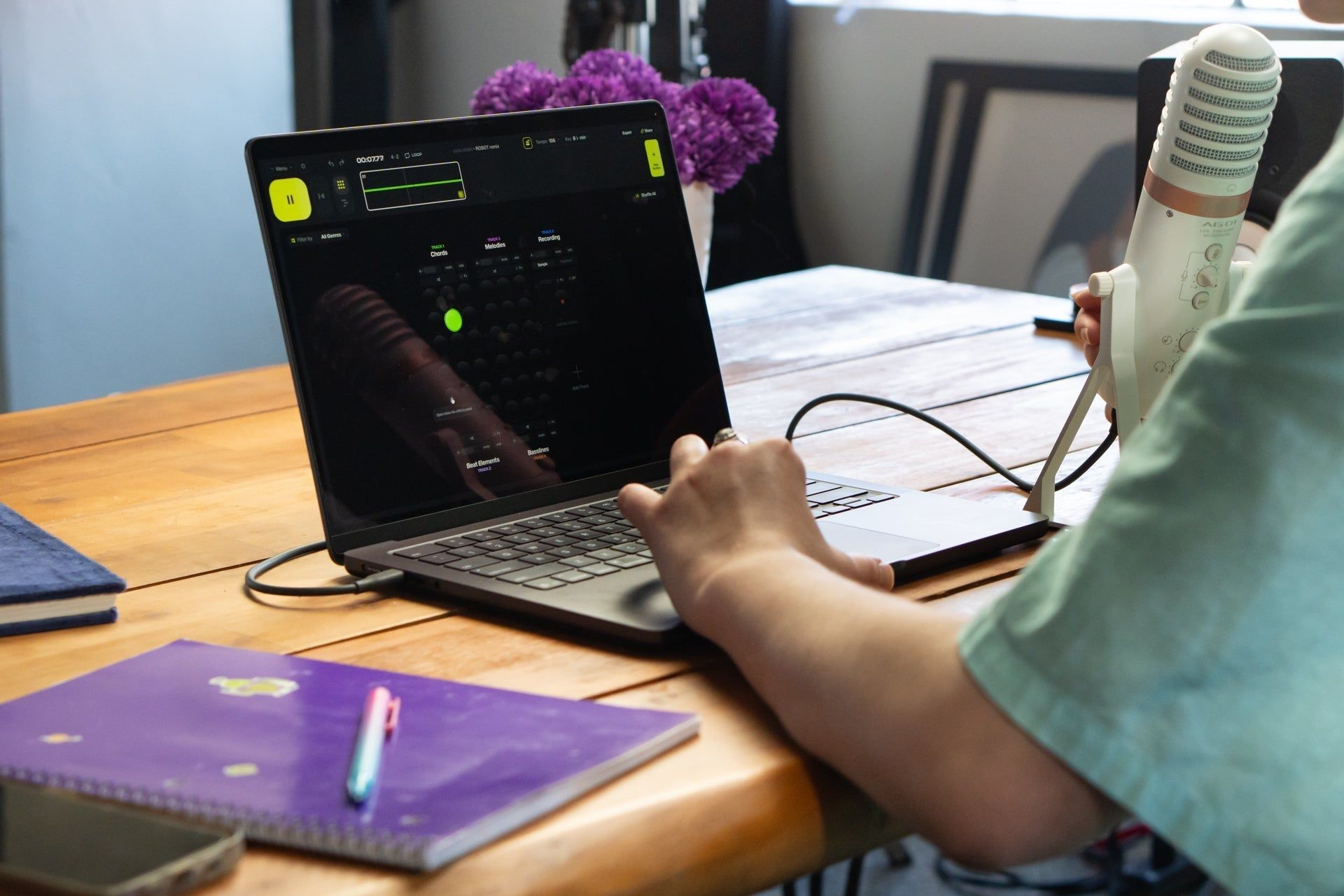
In Output's beat-building and songwriting tools, this means arranging your loops and sounds into a sequence that moves. Start with your core loop from Stage 1. Duplicate it. Add variation. Build toward a moment.
A rough structure is better than a perfect loop. A two-minute arrangement with a clear beginning and end is a song. A four-bar loop on repeat is not.
At this stage, the goal is simple: get a shape down before touching anything else. Resist the urge to keep tweaking the core sound. A rough structure beats a perfect loop every time.
5\. Stage 3: Record Your Vocals or Instrument
Recording a vocal or instrument over your structure is what transforms a beat or loop into an actual song. Most beginners skip this stage, which is exactly why most beats never become songs.
If you play guitar or piano, record a simple part over your structure. If you sing, lay down a vocal, even a rough guide vocal, counts. If you're making fully instrumental music, this is where you add a lead melody or a top-line element that gives the track a focal point.
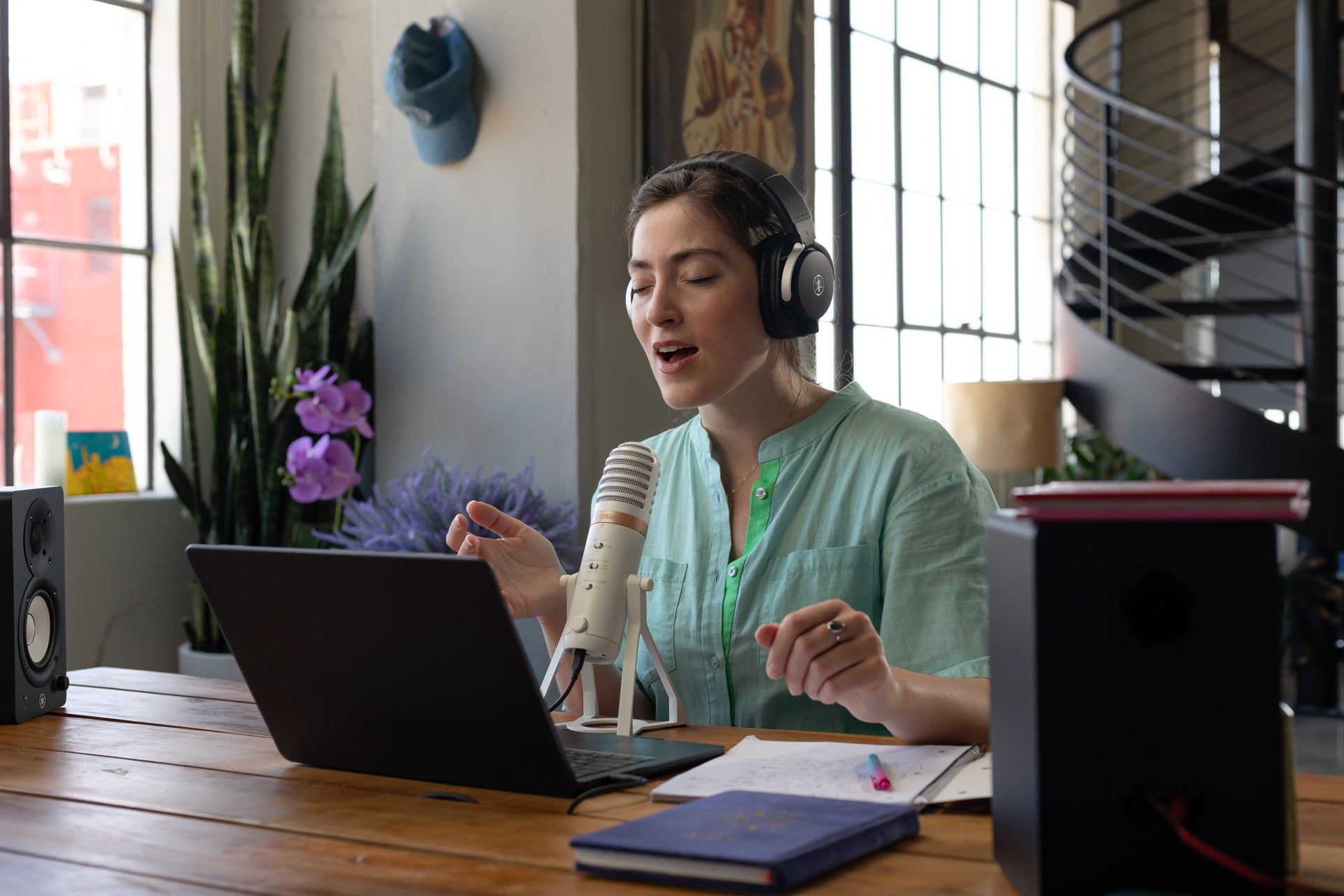
You do not need a professional studio setup for this stage. A basic USB microphone or even your laptop's built-in mic is enough to capture a guide recording you can refine later. The goal is not a perfect take, it's a human element that makes the track feel like a real song.
Tips for Stage 3:
- Record two or three takes and pick the one that feels most natural, not the most technically correct
- Don't fix every small mistake, a little imperfection makes a recording feel alive
- If you're nervous about your voice or playing, remember: no one hears this version but you
The important thing at this point is getting one full take recorded before you stop. You can fix it later. You cannot fix something that doesn't exist yet.
6\. Stage 4: Polish and Master Your Track
You have a structure. You have a recording. Now it's time to make it sound like a finished song.
Mastering is the process of balancing and enhancing the overall sound of your track so it translates well across speakers, headphones, and streaming platforms. Professionally mastered music simply sounds more complete, louder, cleaner, and more balanced than an unmastered mix.
The Growth Pass includes AI mastering through LANDR, which handles this process automatically. You upload your track, LANDR's AI analyzes it, applies professional mastering, and you get back a release-ready audio file. It's fast, affordable as part of the pass, and removes the need to understand mastering engineering before you can put music out.
For Starter Pass users, this is the stage where upgrading to Growth makes the most sense. Mastering is the difference between a track that sounds amateur and one that sounds intentional, and LANDR makes it accessible at any level.
Master before you share, every time. Even one pass through LANDR's AI mastering will make your track sound significantly more complete.
7\. Stage 5: Release and Share It
Releasing your track, even if only five people hear it, closes the creative loop and signals to your brain that finishing songs is something you do. That signal compounds. The more you finish and release, the easier finishing becomes.
Most beginners treat this stage as optional. It isn't.
Distribution through LANDR (included with the Growth Pass) lets you release your music directly to Spotify, Apple Music, and major streaming platforms. For Starter Pass users, the partner discounts include access to DistroKid at a reduced rate, another fast path to getting your music on streaming platforms.
If you're not ready to release on streaming yet, share the track somewhere, SoundCloud, a private link, or a voice note to a friend. The act of finishing and sharing is what matters at this stage.
Release it before it's perfect. Perfection is the enemy of done. A finished, imperfect song released today is worth more to your growth as a creator than a perfect song you're still working on in six months.
8\. Tools That Support This Workflow
The Starter Pass is built around the first three stages of this workflow. Here's how the tools map to each stage:
Stage | Tool | What It Does |
Capture | Output (beat + songwriting tools) | Quickly build and capture loops and ideas |
Structure | Output (beat + songwriting tools) | Arrange loops into a song structure |
Record | Output + basic mic setup | Layer vocals or instruments into your arrangement |
Polish | LANDR Mastering (Growth Pass) | AI-powered mastering for a release-ready sound |
Release | LANDR Distribution (Growth Pass) / DistroKid (partner discount) | Distribute to Spotify, Apple Music, and more |
The Starter Pass gives you the creation and structure tools via Output at $9.99/mo. When you're ready to master and distribute, the Growth Pass at $19.99/mo adds LANDR's full suite, making the entire five-stage workflow available under one subscription.
Partner discounts across 20+ tools, including DistroKid, SoundCloud, and Steinberg, are available at both tiers, giving you flexibility in how you build your release workflow.
9\. Simple Habits That Help You Finish More Music
Move Forward at Every Stage, Even When It Doesn't Feel Ready
The loop sounds good. So you tweak it a little. Then a little more. Two hours later, you're still on the first four bars. That energy you had at the start? Gone. The fix is simple: capture, build a structure, and keep moving. Perfecting Stage 1 before Stage 2 is the most common reason ideas stay ideas.
Start With What You Have
A lot of creators are waiting for a better mic, a better room, a better plugin before they record anything. Here's what's actually true: the song you finish on a laptop mic is worth more than the one you're waiting to record properly. Better gear helps. Finishing helps more.
Make Something Before You Watch Anything
Tutorials feel productive. They're not until you apply them. As one creator put it: "Left me feeling pretty overwhelmed, and I never did find that magic VST to make killer songs for me." The pattern is familiar: hours of watching, nothing in the folder. Try flipping it. Open your project first. Watch later, if at all.
Release the Track You Have
There's a track sitting in your folder right now that's close enough. It'll never feel ready, that's just how finishing songs works. The feedback you get from releasing something imperfect is more useful than another week of tweaking. Put it out. Start the next one.
Let the First Song Be Your First Song
Your debut track doesn't need to be your best track. It needs to exist. Every creator who is now good at finishing songs got there by finishing a lot of mediocre ones first. The workflow builds the habit. The habit builds the skill.
FAQ
How do beginners finish songs without getting overwhelmed?
Focus on one stage at a time and don't go back. Capture the idea, build a rough structure, record one take, master it, and release it. Finishing is a habit, the workflow above makes it repeatable.
What if my idea doesn't sound good when I try to build it out?
That's normal, and it happens to every creator. Not every captured idea becomes a great song, but every attempt teaches you something. Keep the file, note what felt wrong, and start a new idea. The workflow itself is the practice.
Do I need a DAW to follow this workflow?
Not at the Starter level. Output's songwriting and beat-building tools within Yamaha Creator Pass are designed to work without a traditional DAW. You can capture, build, and export tracks directly. A DAW becomes more useful as your workflow gets more advanced. The Growth and Pro passes include tools that integrate with DAWs when you're ready.
How long should it take to finish a song using this workflow?
Your first song might take a full weekend. Your fifth might take a single afternoon. The workflow gets faster as it becomes familiar. Don't set a time pressure on the first one, just commit to completing all five stages.
What if I can't sing or play an instrument?
You can still finish a song. Output's tools let you build fully instrumental tracks that feel complete without a vocal. Use spoken word, samples, or electronic elements as your lead element in Stage 3. The important thing is that there's a focal point that gives the track direction.
Is the Starter Pass enough to complete this workflow?
The Starter Pass covers Stages 1 through 3 using Output's tools. For Stages 4 and 5, mastering and distribution, the Growth Pass ($19.99/mo) adds LANDR mastering and distribution. The Starter Pass also includes partner discounts for DistroKid and SoundCloud as alternative release paths.
What happens after I finish my first song?
You start the second one. The first song's job is to prove to yourself that finishing is possible. The second song's job is to be slightly better. That's the entire growth arc, one finished song at a time.
Related Articles
Ready to Choose Your Pass?
- Starter: best for learning how to create and finish your first song
- Growth: best for creators ready to consistently release music with one connected workflow
- Pro: best for active artists and producers who want advanced production tools and expanded promotion reach
About Yamaha Creator Pass
Yamaha Creator Pass combines music creation, production, mastering, distribution, and promotion tools into one connected workflow system for modern creators. Powered by Yamaha and industry partners including Output, LANDR, Groover, Steinberg, DistroKid, and more, the platform is designed to reduce workflow fragmentation and help creators move from idea to finished release faster.